The Mettl Test: What Mercer Mettl Sends You and How to Prepare
What a Mercer Mettl test looks like: the invitation, the test screen, the ready aptitude tests and their timings, sten scoring, proctoring and how to prepare.
A Mettl test is an online assessment an employer has built on Mercer Mettl, the platform owned by Mercer, now also sold as Mercer Assessments. It is common in Indian campus and early-career hiring and is used by employers around the world. Because each employer builds and names its own test, two “Mettl tests” can be very different. This guide covers what arrives in your inbox, how the test screen works, the ready-made aptitude tests employers pick from, how they are marked and how to prepare.
What arrives, and what you see first
You get an invitation email with a link, or a key to enter at tests.mettl.com. The name on it is the employer's choice: often just “Aptitude Test”, sometimes the company's own name for its drive. The first screen reads “Welcome to” the test name and shows the number of questions, the number of sections and the duration. Then comes a system check, and a short registration form asking for details such as your name, email and date of birth.
Note the question count and duration on that screen. They are the quickest way to tell which of Mettl's ready-made tests you are facing.
The ready-made aptitude tests
Employers can write their own questions or pick from Mettl's catalogue. These are the catalogue's cognitive tests whose format Mettl publishes:
The catalogue also has a Verbal Reasoning test, personality and integrity inventories, coding tests and Spoken English, and an employer can mix sections from several tests into one sitting. Whatever the mix, the screen works the same way.
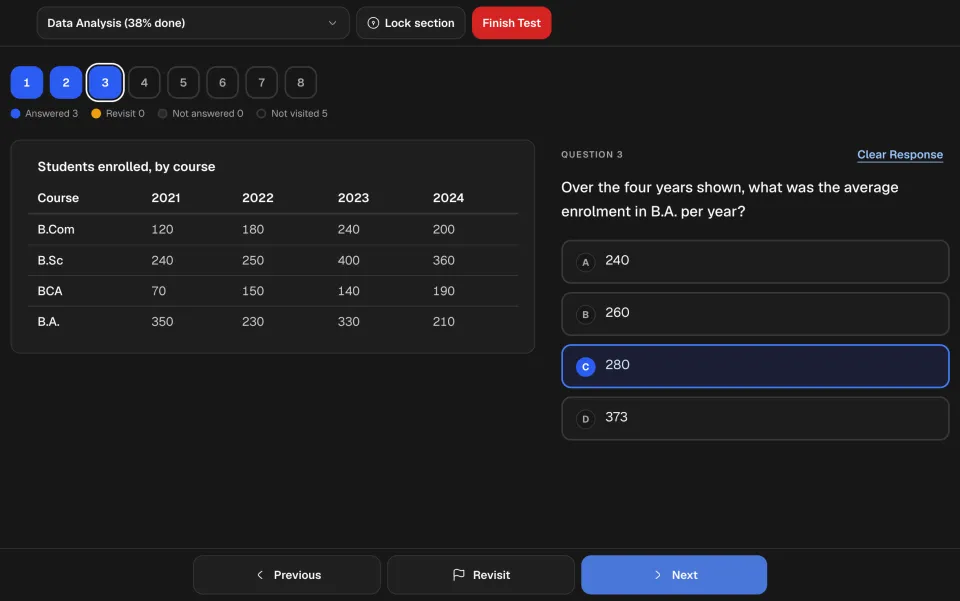
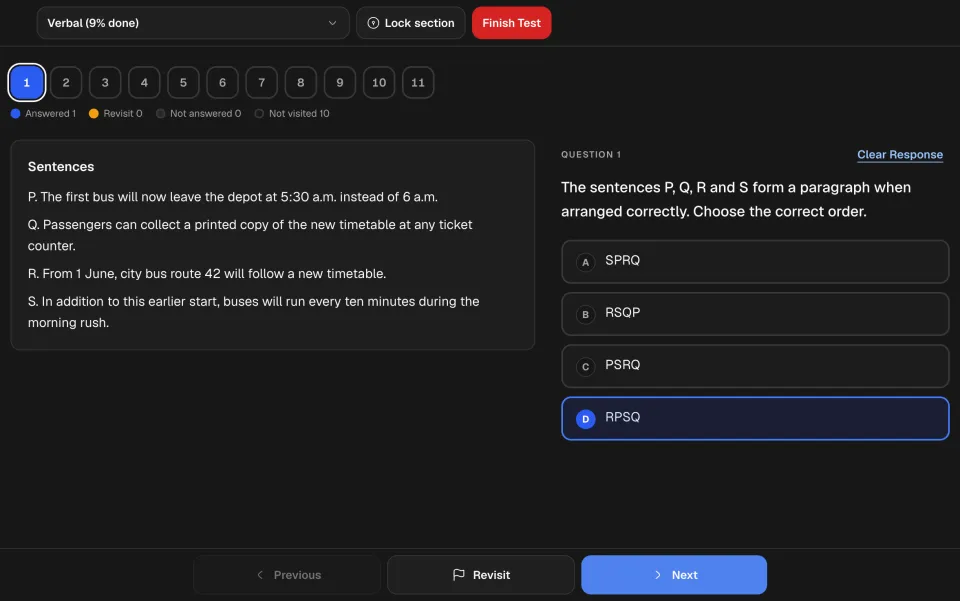
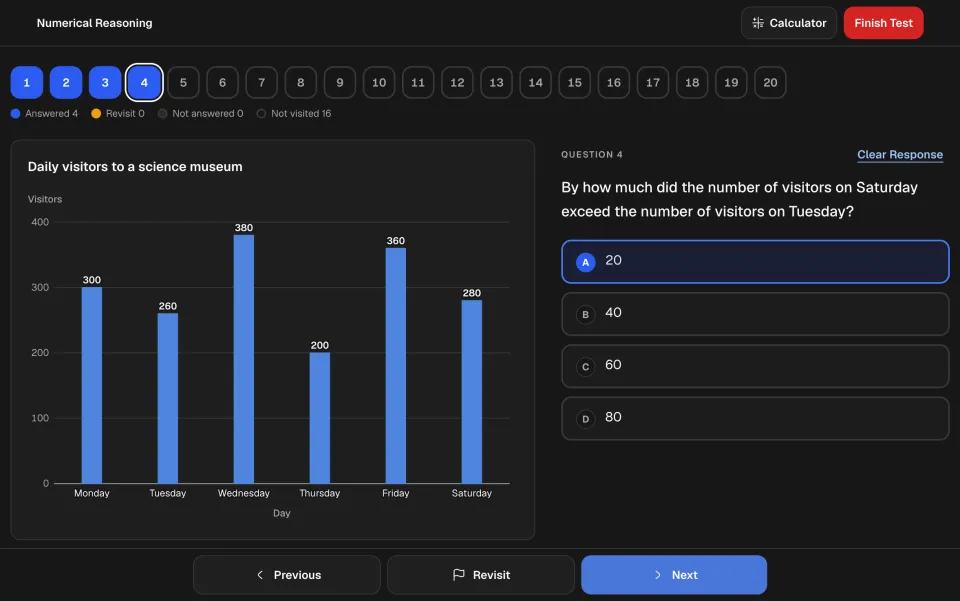
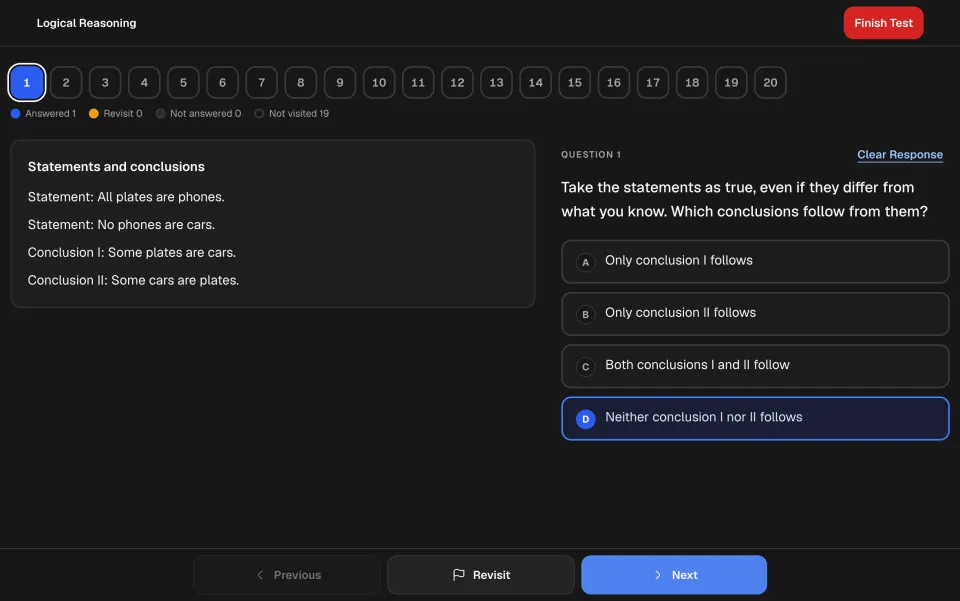
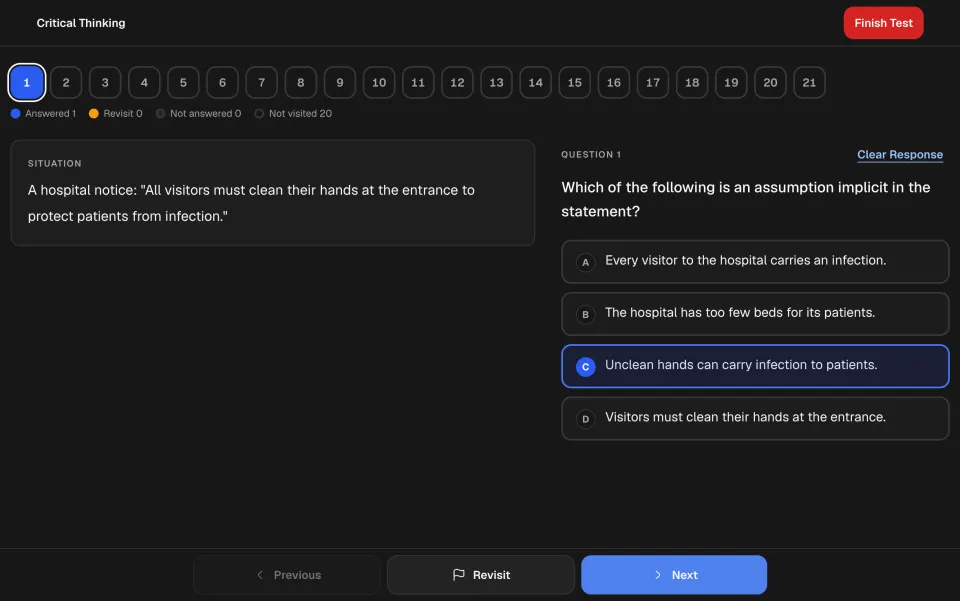
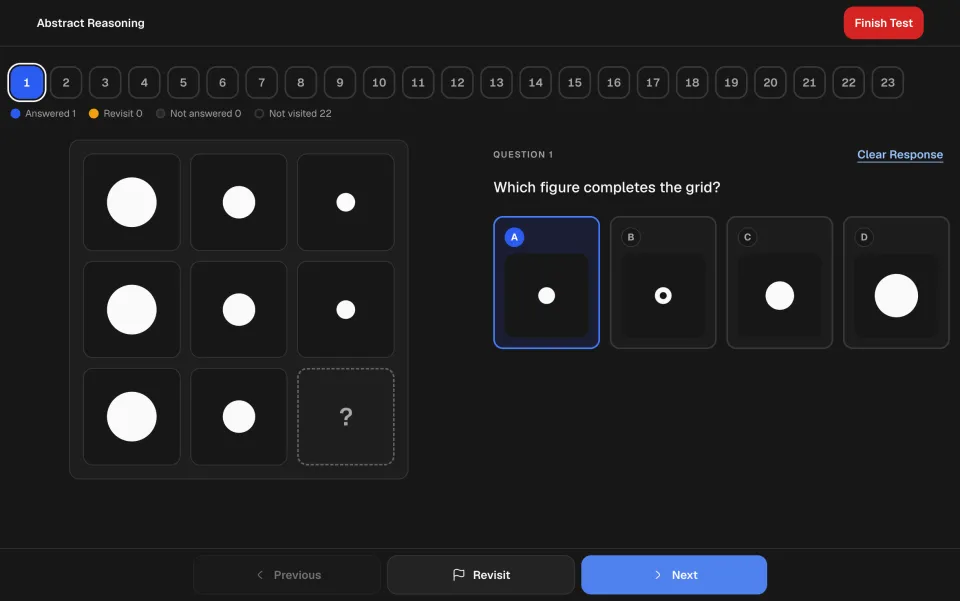
How the test screen works
How a Mettl test is marked
On Mettl's published sample report, each correct answer earns one mark and a wrong or unattempted one earns zero. The share you got right is turned into a sten, a scale from 1 to 10, and placed in a band: Low for 1 to 4, Moderate for 5 and 6, High for 7 to 10.
The employer can change the rules. Mettl lets it set the marks for each question, switch on negative marking, choose the difficulty and order of the questions and set a time for each section. One real campus drive, for example, had no negative marking but a cut-off in every section. Read the instructions screen: if it says nothing about negative marking, answer every question, because a blank earns nothing.
Proctoring and your device
Many Mettl tests are proctored. You give the browser access to your webcam, microphone and screen, and Mettl captures your face and an ID. Switching to another app or tab may lead to a warning or disqualification, so close everything else before you start. Mettl recommends a desktop computer, says not all its assessments support mobile, and supports Chrome 63, Firefox 52 and Safari 12 or later on a connection of at least 512 kbps. Results go to the employer, and so do any questions about them.
How to prepare
You can practise Mettl's ready-made aptitude tests on CogniPrep, on a screen with the palette, Revisit, sections and a sten result. Each test has its own guide, from the Mettl aptitude test and the Mettl GMA test to the Mettl critical thinking test. The General Aptitude Test is free when you create a free account. If you are not sure Mettl is the platform you have been sent, the provider guide matches invitation names to publishers, and we explain why Mettl's proctoring leaves no room for shortcuts.